


A smooth streaming experience depends less on guesswork and more on knowing what your household actually needs. Video quality, number of devices, and simultaneous users all determine how much bandwidth keeps shows and movies running without interruption. Most homes stream reliably with download speeds of at least 25 Mbps for HD and around 50 Mbps or higher for 4K content.
Too little speed leads to buffering and pixelated images, while too much can mean paying for bandwidth that rarely gets used. By understanding how each device affects total demand, anyone can right-size their plan for consistent streaming. It’s about balancing cost, reliability, and performance.
Key Takeaways
- Identify how many devices and video qualities affect total bandwidth needs.
- Choose download speeds that match the highest streaming quality in use.
- Maintain a stable network to avoid wasted bandwidth and interruptions.
Determining the Internet Speed You Really Need for Streaming
Choosing the right internet speed for streaming depends on picture quality, the number of devices online, and the type of service being used. Both download and upload speeds affect performance, especially when multiple simultaneous streams share the same network.
How Streaming Quality Impacts Bandwidth Requirements
Streaming quality directly affects how much bandwidth each service needs. Standard Definition (SD) video averages 3–4 Mbps, while High Definition (HD) streams typically require 5–8 Mbps. For 4K Ultra HD, most platforms recommend at least 15–25 Mbps per device.
Compression technology and the device’s screen size also influence speed demands. A streaming service like YouTube may use adaptive bitrate streaming, automatically adjusting resolution when bandwidth drops. In contrast, Netflix and Disney+ hold resolution steady, which can result in buffering if speeds fall below threshold.
Households using Digicel internet or other fiber-based connections benefit from more consistent bandwidth. Reliable service helps reduce sudden drops that lead to pixelation or pauses in video playback.
| Video Quality | Recommended Download Speed per Device |
| SD (480p) | 3–4 Mbps |
| HD (720p–1080p) | 5–8 Mbps |
| 4K Ultra HD | 15–25 Mbps |
Calculating Required Speeds for Multiple Devices
Multiple devices streaming simultaneously multiply bandwidth demand. A single 4K stream may run well at 25 Mbps, but two or three streams could require 50–75 Mbps. Adding gaming consoles, smart TVs, and video calls makes total usage rise quickly.
To estimate needs, users can total the Mbps demand from each activity. For instance, two HD streams at 8 Mbps each, plus a Zoom call at 3 Mbps, require about 19 Mbps combined. It’s practical to add 20–30% headroom for background updates and connected smart devices.
Busy households should consider plans offering 100–200 Mbps to avoid congestion at peak times. Reliable connections from providers offering consistent throughput minimize drops and ensure smooth playback, even when multiple users are online.
Streaming Platforms and Their Recommended Speeds
Different services set specific speed thresholds based on their encoding standards. Netflix suggests 5 Mbps for HD and 15 Mbps for 4K content. YouTube ranges from 2.5 Mbps for 720p to 20 Mbps for 4K. Disney+, Hulu, and HBO Max align closely with these figures, while Amazon Prime Video lists roughly 15 Mbps for 4K streaming.
Apple TV+ often requires more bandwidth for its high-bitrate 4K programming, averaging around 25 Mbps. Each application’s quality target affects how efficiently it uses your available bandwidth.
When multiple platforms operate simultaneously on different screens, total speed must reflect the combined requirements. Consistent speeds ensure that each stream maintains a stable quality level without constant buffering or auto-resolution shifts.
Understanding the Role of Upload Speed in Streaming and Livestreaming
Upload speed matters most for live interaction and broadcasting. While typical viewing uses download speed, activities like Twitch streaming or Zoom meetings depend on a stable upload connection.
For livestreaming, the bitrate of the video being sent determines the needed upload speed. A 1080p stream often requires around 6 Mbps, while 4K live video may need 12–15 Mbps to stay consistent. If upload capacity is too low, viewers experience lag and frame skipping.
Even casual users who share screens or video chat benefit from higher upload speeds. Fiber-optic and modern broadband services typically provide symmetrical upload/download speeds, which makes them better suited for creators, remote workers, and households with frequent video calls.
Optimizing Your Home Network for Smooth Streaming
Stable, high-speed internet enables uninterrupted streaming across multiple devices. Network efficiency depends on connection type, Wi-Fi design, and how users manage bandwidth and congestion within the home.
Choosing the Right Type of Internet Connection and Plan
A reliable broadband connection forms the core of smooth streaming. Fiber internet typically delivers the fastest speeds and lowest latency, with symmetrical download and upload rates that can reach up to 1 Gbps or higher. In contrast, cable and DSL options may offer lower throughput and can slow down during peak hours due to shared bandwidth.
When comparing internet service providers (ISPs), users should review both advertised and actual broadband speeds. Tools like BroadbandNow or independent speed tests can help confirm performance claims. Choosing a plan that provides at least 25 Mbps per HD stream or 50 Mbps per 4K stream ensures sufficient capacity for modern smart TVs and streaming devices.
Households with smart home devices or multiple simultaneous users benefit from multi-gig internet or high-speed tiers that exceed 500 Mbps. Monitoring data caps and possible ISP throttling also prevents unexpected slowdowns during heavy streaming periods.
Wired vs. Wireless: Ethernet and Wi-Fi Considerations
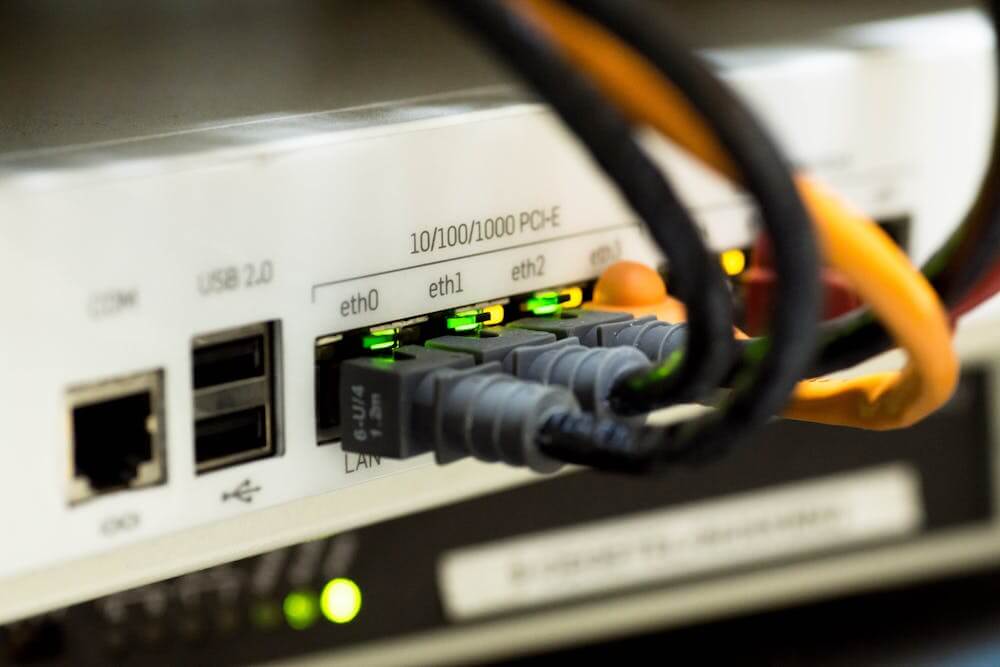
A wired Ethernet connection offers the most consistent performance. Using Cat6 or Cat7 Ethernet cables can deliver gigabit or even multi-gigabit speeds with minimal latency and packet loss. Devices like streaming boxes, PCs, and gaming consoles perform best when directly connected to the router.
Wireless setups add flexibility but may reduce stability. Wi-Fi 6 or Wi-Fi 7 routers provide improved throughput, reduced latency, and better handling of multiple connected devices compared to earlier standards. Router placement matters: positioning it centrally and away from obstructions supports better coverage.
Homes with weak signals in certain rooms can install mesh Wi-Fi systems or range extenders. Limiting interference from microwaves, cordless phones, or neighboring routers improves network reliability, essential for uninterrupted streaming.
Testing and Troubleshooting Your Internet Speed
Regular performance testing verifies that the connection meets the promised broadband speed. Users can perform a speed test through sites like Speedtest.net or their ISP’s built-in tool to measure download, upload, and ping values. Recording results at different times of day helps identify congestion or throttling issues.
If measured speeds fall short, rebooting the modem and router may restore normal performance. Firmware updates often improve reliability and fix bugs related to network management. Checking Ethernet cables and switching ports can also isolate faults.
Persistent underperformance may indicate outdated equipment or ISP-related limitations. In such cases, upgrading to a higher-tier plan or replacing aging routers typically enhances streaming stability and responsiveness.
Managing Network Congestion and Connected Devices
Multiple active devices can create network congestion, causing buffering or reduced video quality. Each device competes for available bandwidth, which can overload slower broadband plans. Monitoring real-time usage in the router’s interface reveals which devices consume the most bandwidth.
Quality of Service (QoS) settings can prioritize streaming devices, ensuring smooth playback on smart TVs even when background downloads occur. Disabling automatic cloud backups or large file transfers during streaming helps maintain consistent throughput.
Scheduling updates for off-peak hours and disconnecting idle smart devices also reduces strain on the home network. If family members stream, game, and work online simultaneously, upgrading the internet tier or adding a second access point may significantly improve overall streaming performance.
Conclusion
Choosing the right internet speed depends on how many people share the connection, the number of active devices, and the type of content being streamed. Higher resolutions, such as 4K and HDR, demand more bandwidth, while multiple streams running at once require even greater capacity.
For quick reference, consider the following approximate speed needs:
| Activity | Minimum Speed | Recommended Speed |
| SD streaming | 3 Mbps | 5 Mbps |
| HD streaming | 5 Mbps | 10–15 Mbps |
| 4K streaming | 15 Mbps | 25 Mbps or higher |
| Multi-user household | 50–200 Mbps | 200+ Mbps |
A reliable and consistent connection matters more than simply chasing the fastest plan. By matching service tiers to actual habits, households can balance quality and cost while maintaining smooth playback.
